Skip to content
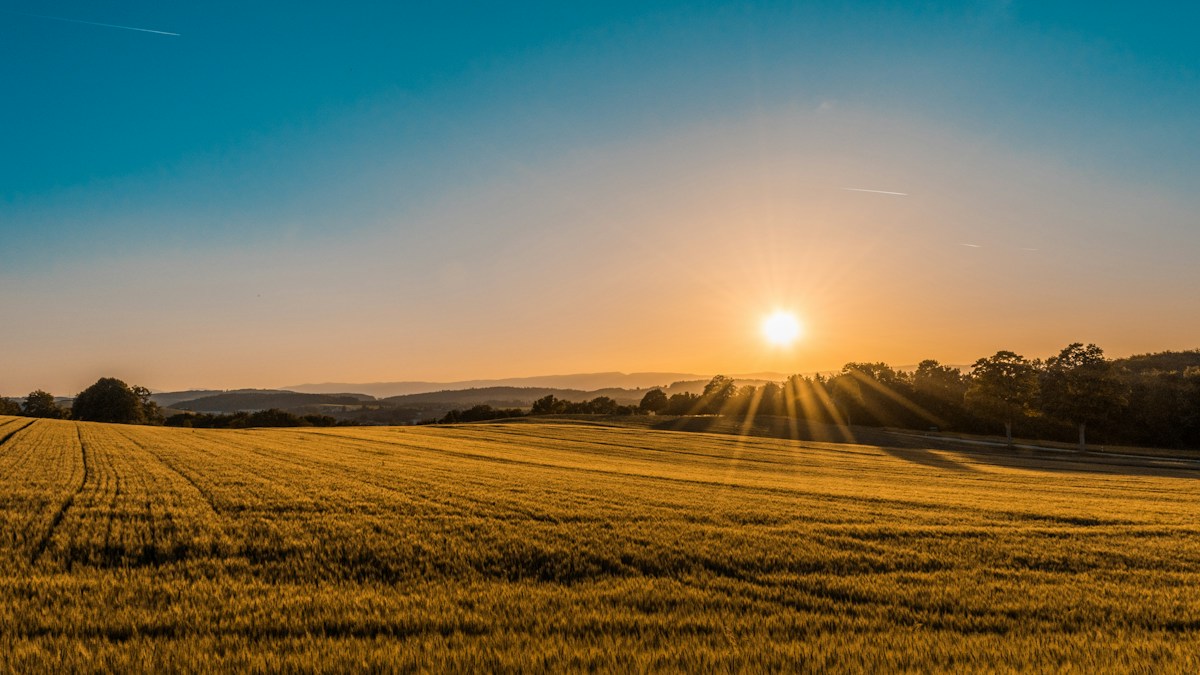
Real agricultural fields where Haloglide Crew supports outdoor work

Haloglide Crew

The right tools. The right time. In your team's hands.

Haloglide Crew is a location aware mobile application for getting work done out in the field. It uses your device's GPS and camera to keep location, photographs and task records together. Fully integrated with Orbit, it puts the tools each team member is permitted to use within reach when the work needs doing.

Book a demo

For the people out in the field

Different roles.
Work recorded where it happens.

The right tools at the right time, on the mobile device your team has with them. From a field task to a site visit or a meter reading, Haloglide Crew brings permitted tasks, GPS and camera capture together where the work happens.

Real cultivated field where outdoor work takes place
Harvest activity
  • Count and unit
  • Worker’s note
  • Supporting photo

Field worker

Do the task. Keep the detail.

Run your organisation’s field tasks and record harvests, counts or observations where the work happens. Add a note and photo so the team knows what was done and what needs attention.
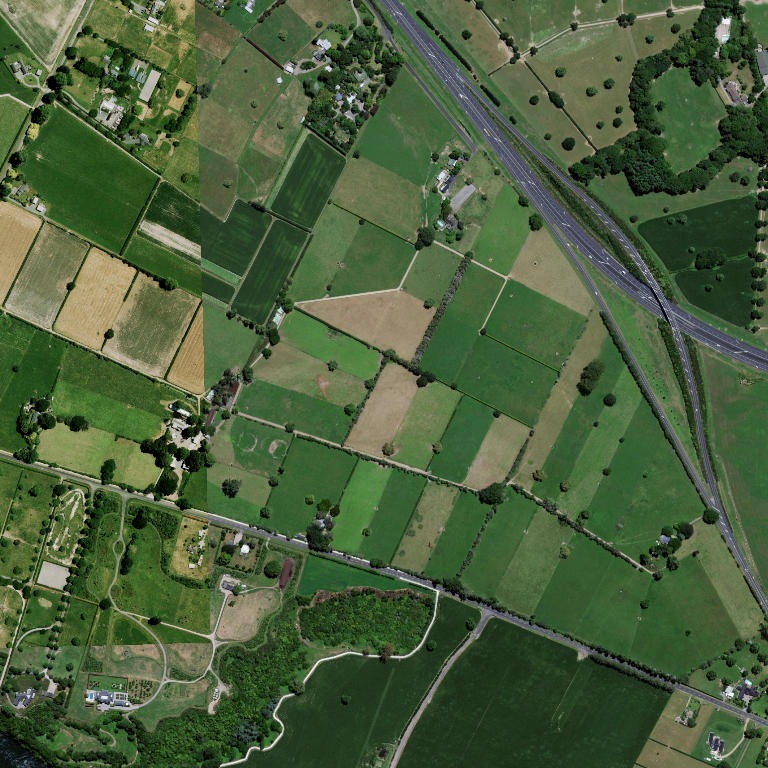
Real aerial field imagery illustrating plot and sampling locations
Crop observation
  • Condition and photograph
  • Sample point · GPS
  • Reading and unit

Agronomist or field officer

Make every visit useful.

Record crop condition, pests or damage with notes and photographs. Mark sampling points with GPS and capture readings with their units, giving the next visit a clear reference.

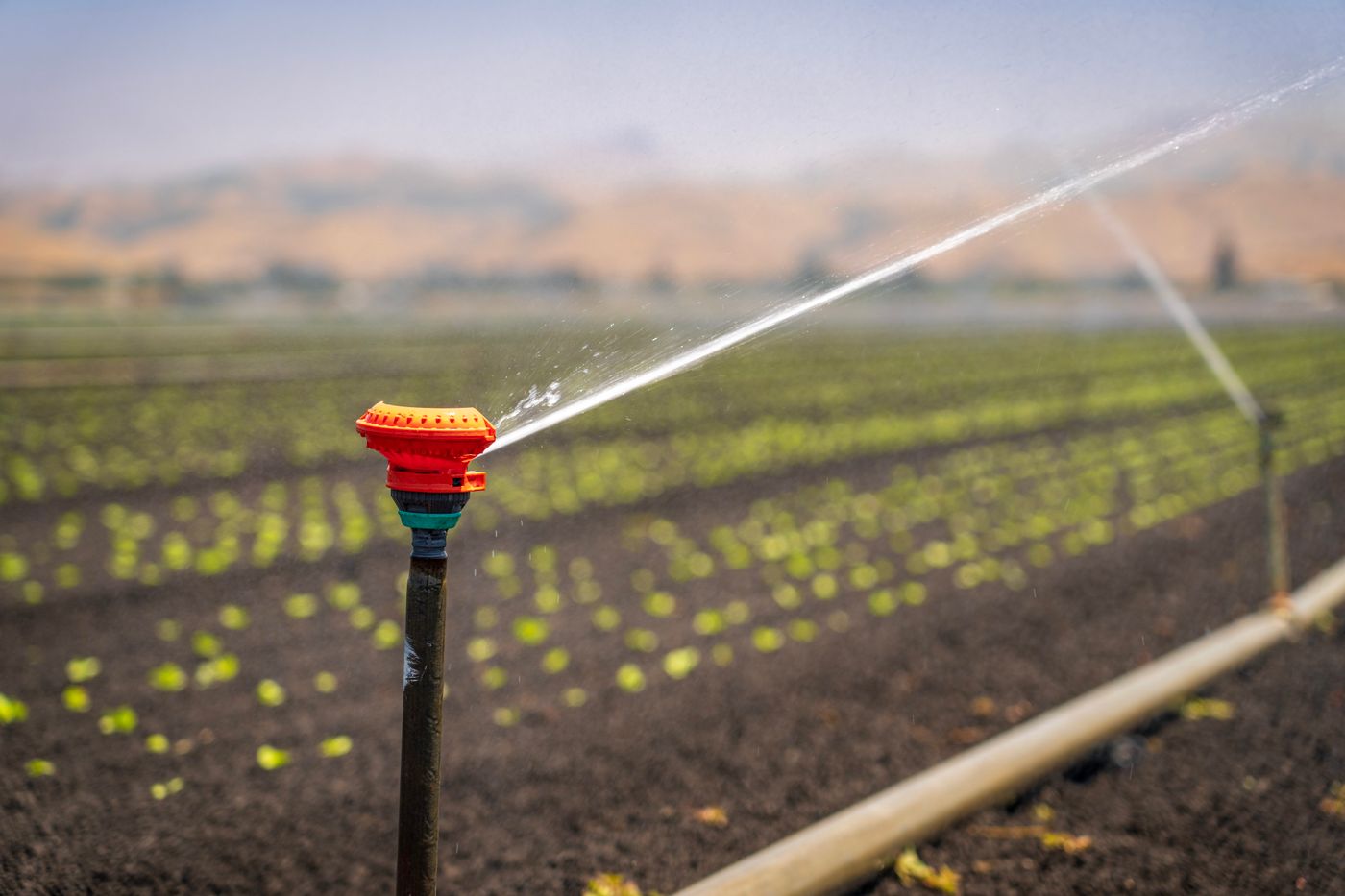
A sprinkler watering a green crop field in daylight
Water meter reading
  • Reading · m³
  • Location and note
  • Equipment photograph

Irrigation or site technician

Leave a record the next person can use.

Capture water meter readings, irrigation events and equipment concerns. Keep the location, measurement and photograph together so the team can understand the work without chasing another explanation.

Illustrative field records. Aerial imagery: LINZ.

Small moments. Valuable evidence.

01

Observations

Spot an issue while there is still time to act.

Use your mobile device's camera to capture crop condition, pests, damage, hazards or equipment concerns. Add a note and keep the photograph with the observation, giving the team enough context to investigate without another round of calls.

  • Capture what the worker actually saw
  • Support operational follow up
  • Keep photos with the observation
  • Record exceptions as they happen
02

Readings and quantities

Make every measurement mean something.

Water use, temperature, moisture, soil pH, weight and counts belong with their units. Haloglide Crew supports readings and quantities so your team can interpret the record rather than guess what a number means.

  • Track water and energy readings
  • Record weight and moisture
  • Count bags, boxes and plants
  • Keep the unit with the value
03

Location aware capture

Keep the place with the work.

Haloglide Crew uses your device's GPS to capture location with field records. Mark access points, hazards, water sources and sample points where you are working. Notes and camera photographs give the next person a clearer picture of where to go and what to look for.

  • Use device GPS for field locations
  • Locate sampling and access points
  • Keep photographs with the place
  • Keep local knowledge on record
04

Tasks and events

The right tasks for each field role.

Haloglide Crew is fully integrated with Orbit’s security and access controls. Each person can only access the tasks their role permits. Record deliveries, dispatches, harvests, irrigation and handovers within those permissions, keeping field activity and evidence connected to your organisation.

  • Access only the tasks your role permits
  • Use integrated security and access controls
  • Record field events within your permissions
  • Keep records linked to the worker

Evidence your team can actually use.

Different work needs different records. These examples show the practical detail Haloglide Crew can capture.

Illustrative evidence

An equipment concern with context

Give the operations team a note and photograph rather than a vague message.

Shared on your terms

Capture
Observation
Category
Equipment
Evidence
Note and photo
Context
Worker and location

Illustrative workflows and records use demonstration data. Preserved Orbit captures, where shown, are not live customer records. Aerial imagery: LINZ.

Less chasing. Better field evidence.

Put the right tools in your team's hands, wherever the work takes them. Capture the location and supporting detail on their mobile device, and keep the evidence connected to Orbit.

Book a demo