Skip to content
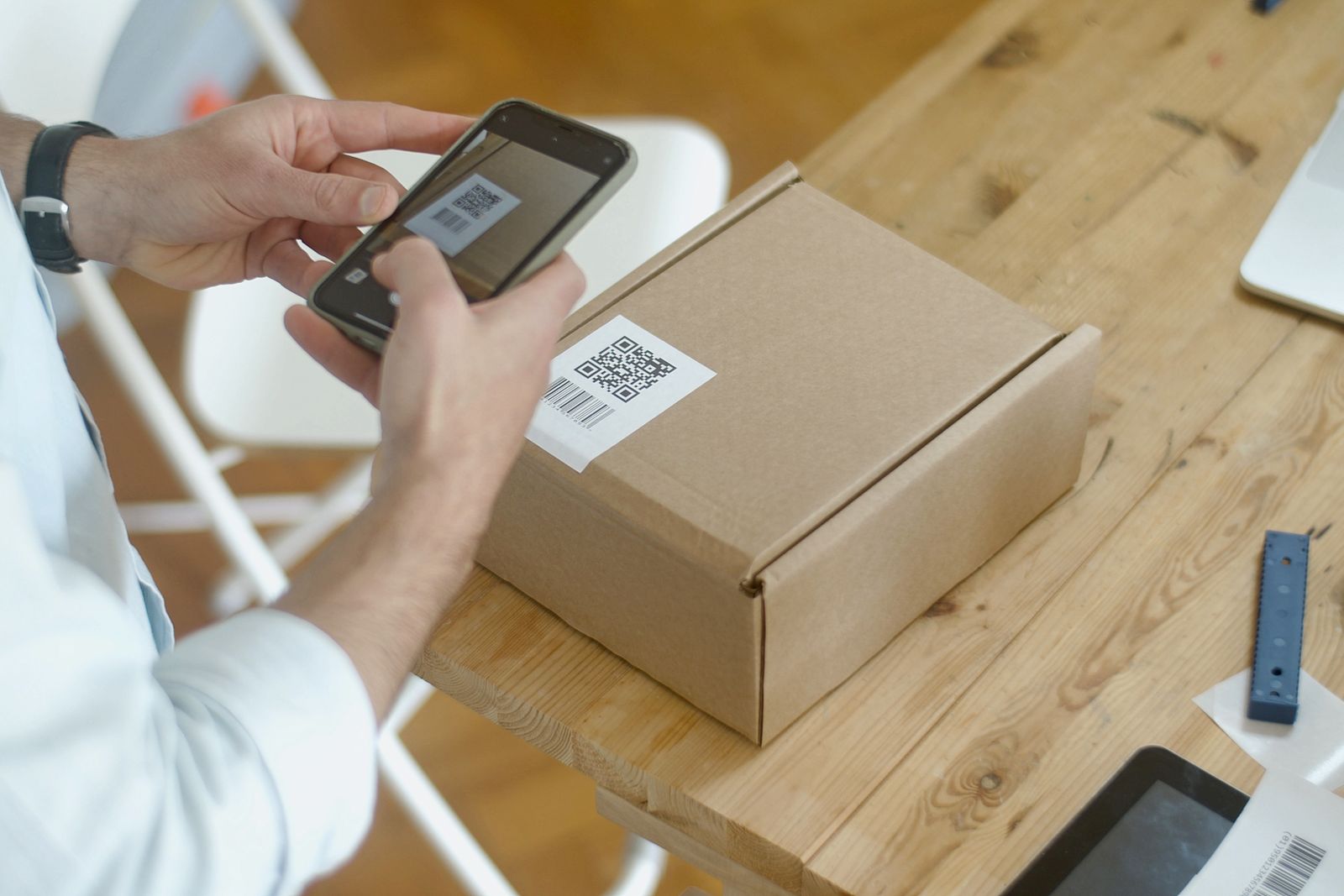
A person scanning a QR label on a parcel with a smartphone

Live Links

Your product has a story. Give buyers the proof.

One scan can show where a product came from, what happened to it and the evidence behind its quality. GS1 ready Live Links bring the story and the facts together, with only the details you choose to share.

Book a demo

For the people doing the work

The product story changes with the audience. The facts do not.

Publish from the records you already hold, with a deliberate choice about what each experience shows.

Illustrative record

Product experience

  • 01Story and media
  • 02Selected attributes
  • 03Origin evidence
Product and brand team

Product and brand team

Tell the story with evidence beside it.

Bring narrative, images and video together with selected product attributes. Keep origin and supporting documents within reach of the person scanning the product.
Illustrative record

Lot 024 · Buyer evidence

  • 01Selected quality report
  • 02Certificates and documents
  • 03Published history
Quality team

Quality team

Put the right proof in the buyer's view.

Choose the certificates, operational reports and quality results relevant to the lot. Keep private operational details outside the published experience.

Illustrative record

GS1 ready product link

  • 01Supported page languages
  • 02Channel experience
  • 03Default scan destination
Export or commercial team

Export or commercial team

Keep the destination useful across markets.

Select supported languages and tailor channel experiences. GS1 ready links connect the physical product to the page; a disabled channel returns scans to the default experience.

Much more than a page behind a QR code.

Combine origin, lineage, documents, reports and shipment details in one experience. Choose the sections and the fields within them, so the evidence fits the audience, not just the product.

Select the evidence to show

Illustrative published view

One lot. Its evidence, selected.

Origin and locations
Provenance and history
Certificates and documents
Components and manifest
Operational reports

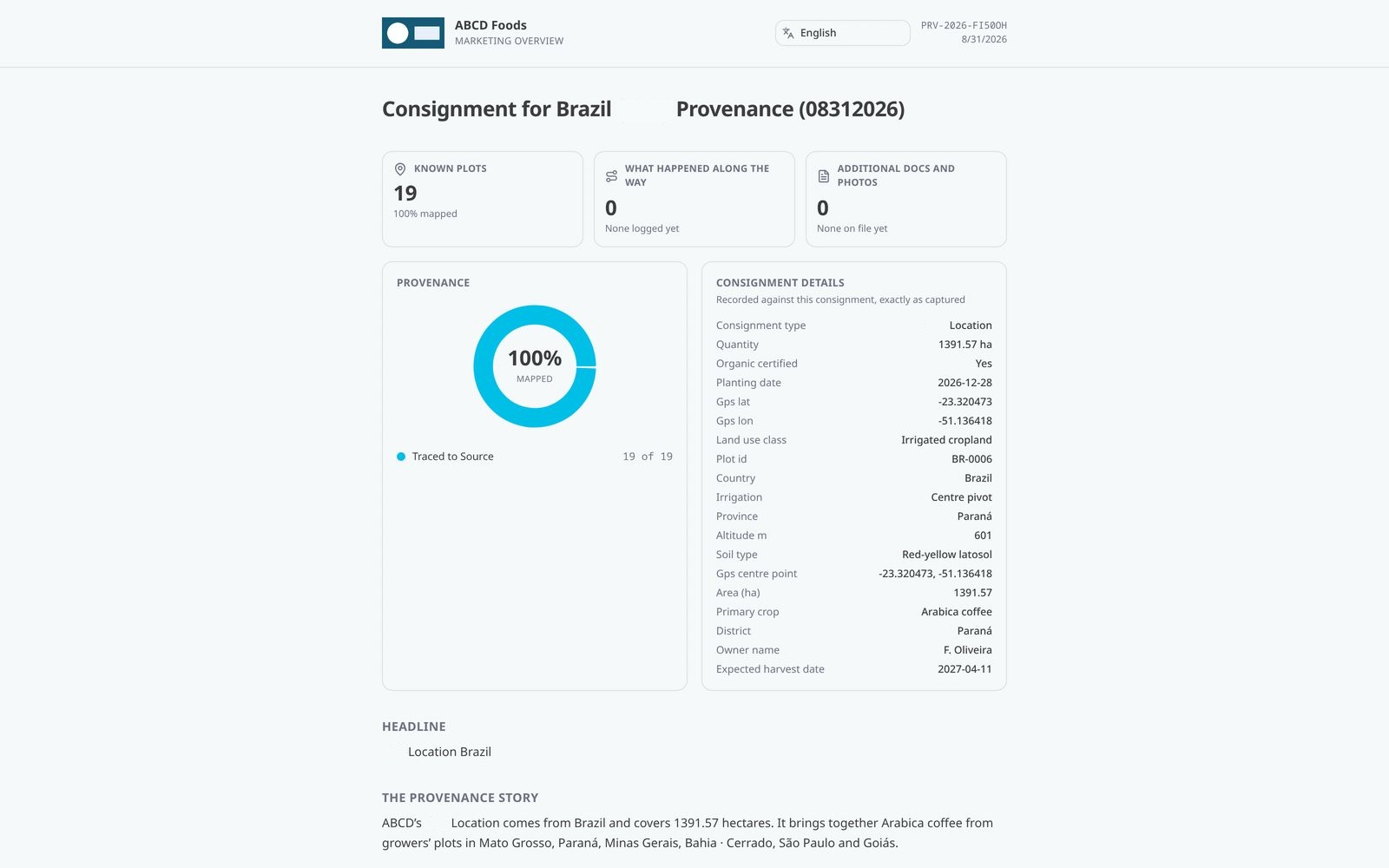
A real Orbit public evidence view.

This preserved demonstration capture shows 19 mapped plots, a provenance summary and the recorded consignment details. It is a saved public provenance screen.

Saved Orbit public provenance screen showing 19 mapped demonstration plots and consignment details
Demonstration data. Preserved Orbit public provenance capture.

A better product story starts with the facts.

01

Product story

Show why this product deserves attention.

Build a page with narrative, images and video alongside product attributes and metrics. Give the craft, place and people behind a product room to stand out without separating the story from its evidence.

  • Tell the origin story
  • Show images and video
  • Present product attributes
  • Support a premium claim
02

Origin and history

Let buyers follow the product back.

Show provenance, locations, organisations, components and recorded history in the page you choose to publish. Help a buyer understand the journey behind the product without handing over your whole operational record.

  • Show origin and provenance
  • Include product components
  • Present recorded history
  • Choose the detail you disclose
03

Quality and assurance

Make the evidence easy to find.

Bring certificates, documents and quality results into the product page. Choose operational reports and assessment results relevant to the lot or asset, so the buyer sees useful proof without private working details.

  • Put certificates within reach
  • Include supporting documents
  • Include relevant operational reports
  • Reduce requests for the same files
04

Languages and channels

Tell the right story to the right audience.

Choose the languages your page supports and create experiences for different channels. Select which attributes appear, or show none. If a channel is switched off, scans return to your default page.

  • Choose supported languages
  • Tailor channel experiences
  • Keep private attributes out
  • Maintain a default destination

One product. Different reasons to believe.

Choose the evidence that matters to the audience, rather than publishing everything.

Illustrative evidence

Evidence behind the product

Bring supporting reports and origin into the buyer’s view.

Shared on your terms

Story
Product origin
Quality
Selected operational reports
Proof
Certificates and documents
Journey
Provenance

Illustrative workflows and records use demonstration data. Preserved Orbit captures, where shown, are not live customer records. Aerial imagery: LINZ.

Back the story. Earn the trust.

Make the evidence behind your product easy to reach, while keeping control of what you share.

Book a demo